

Car accident
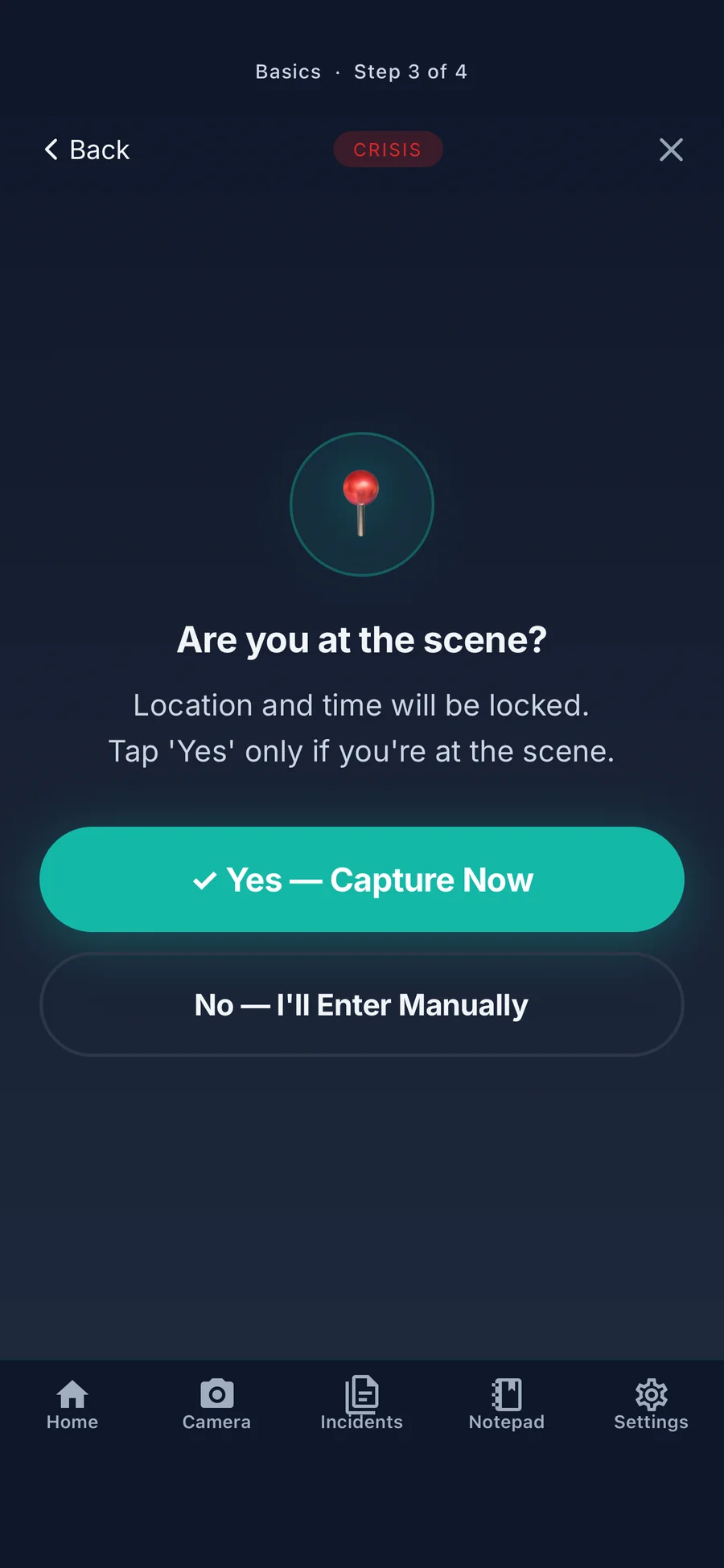
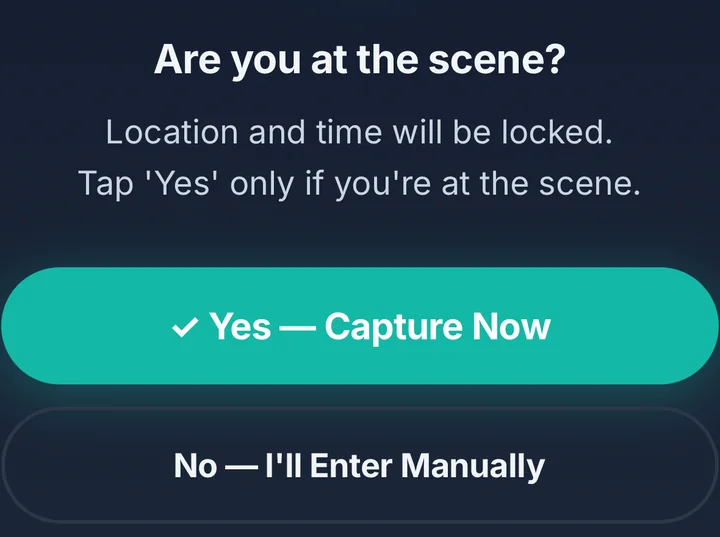
Are you at the scene?
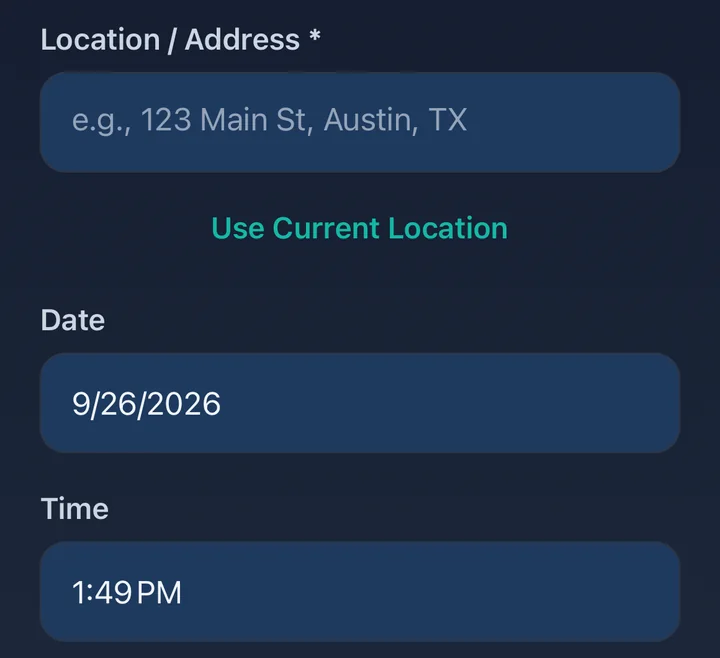
Tap yes and the app records the time and place for you. Not there anymore? Enter them by hand.
The free car accident app that guides you through documenting what happened, one step at a time: photos, documents, witnesses, time and place.


5.0 out of 5 on the App Store (6 ratings) · version 1.1.6
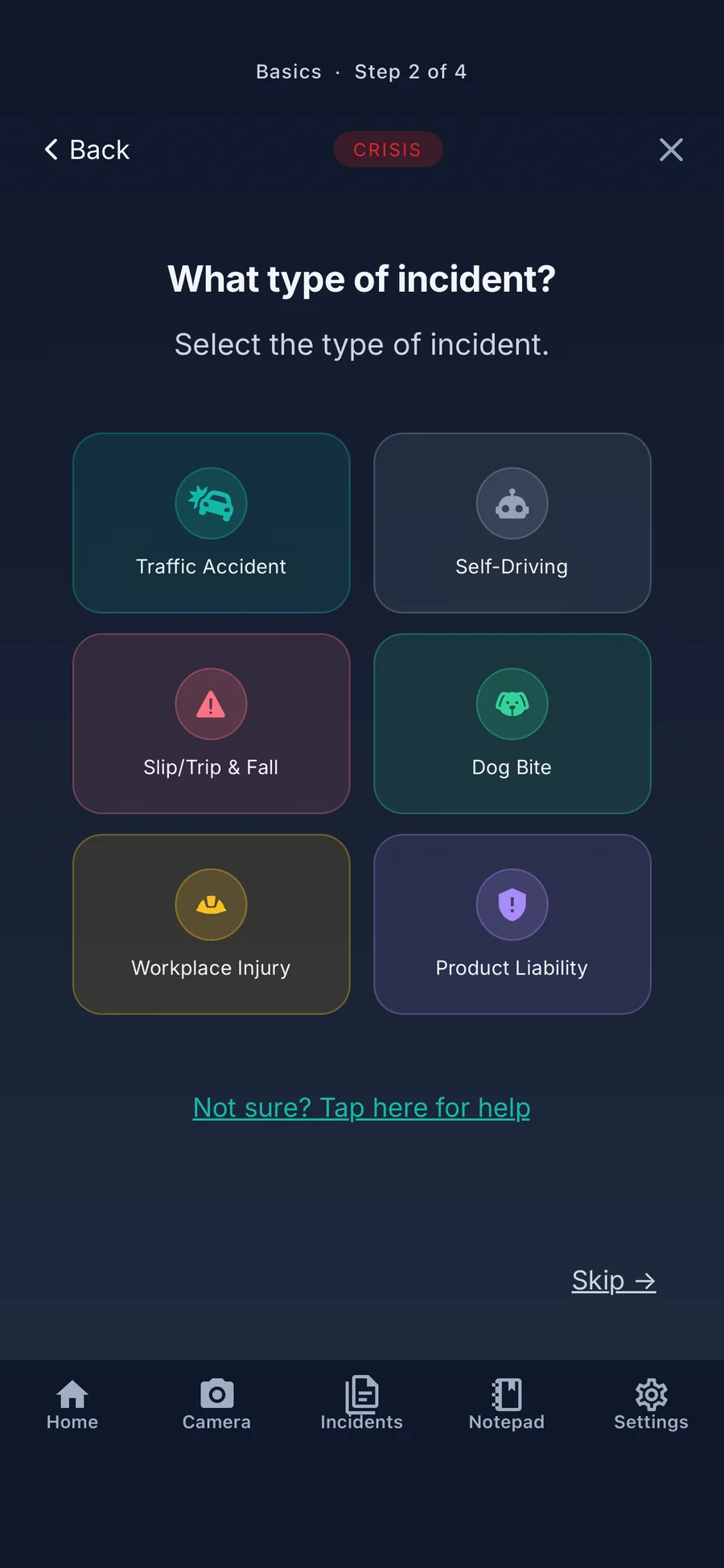
IncidentApp is a free app for iPhone and Android that guides you through documenting an accident, one question at a time. It covers car accidents, self-driving vehicles, slips and falls, dog bites, workplace incidents and defective products. It is a documentation tool from Appalanche Inc., not a law firm, and it does not give legal advice.
When something goes wrong, the app asks for one thing at a time. Car accidents, slips and falls, dog bites and self-driving cars each get their own checklist.
Tap yes and the app records the time and place for you. Not there anymore? Enter them by hand.
Wet floor, ice, a crack or a spill, captured as it was.
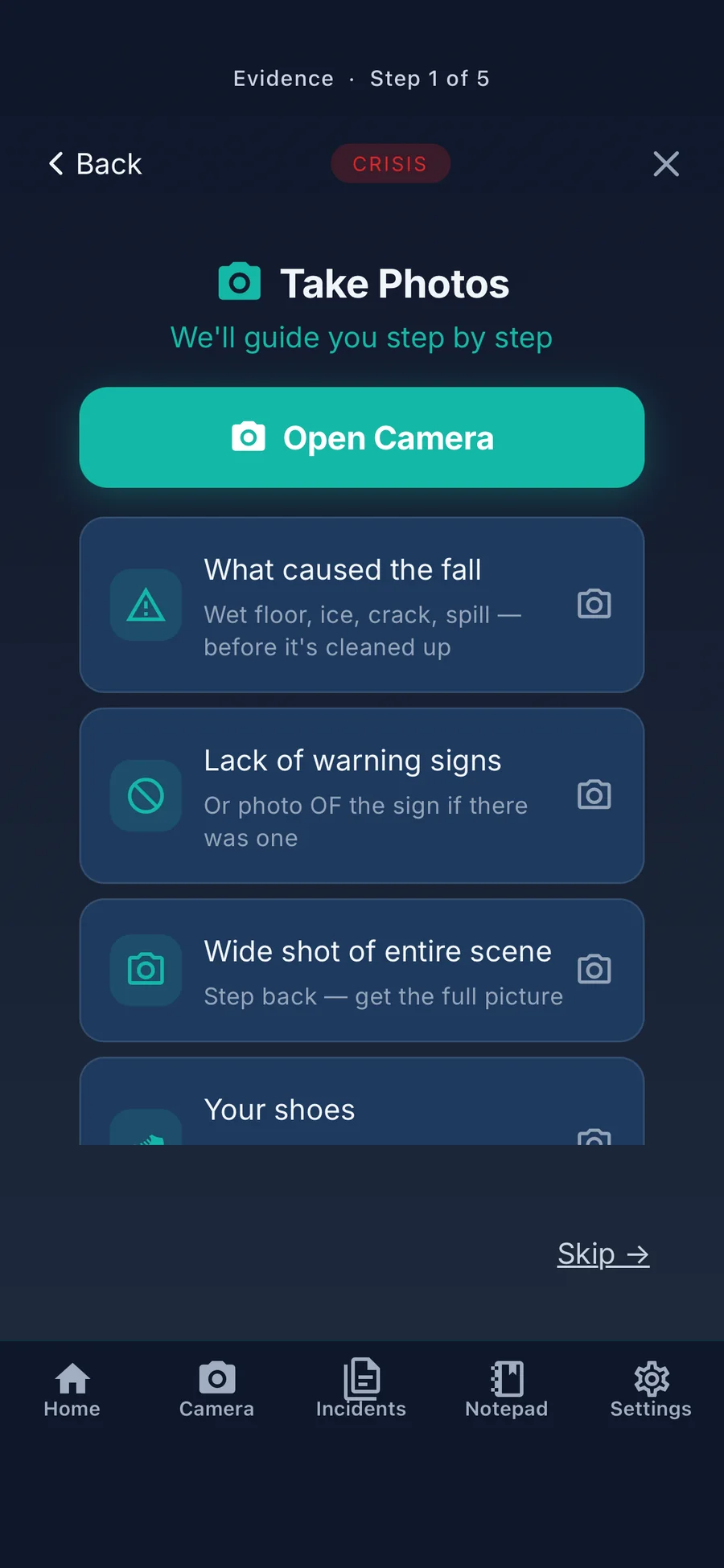
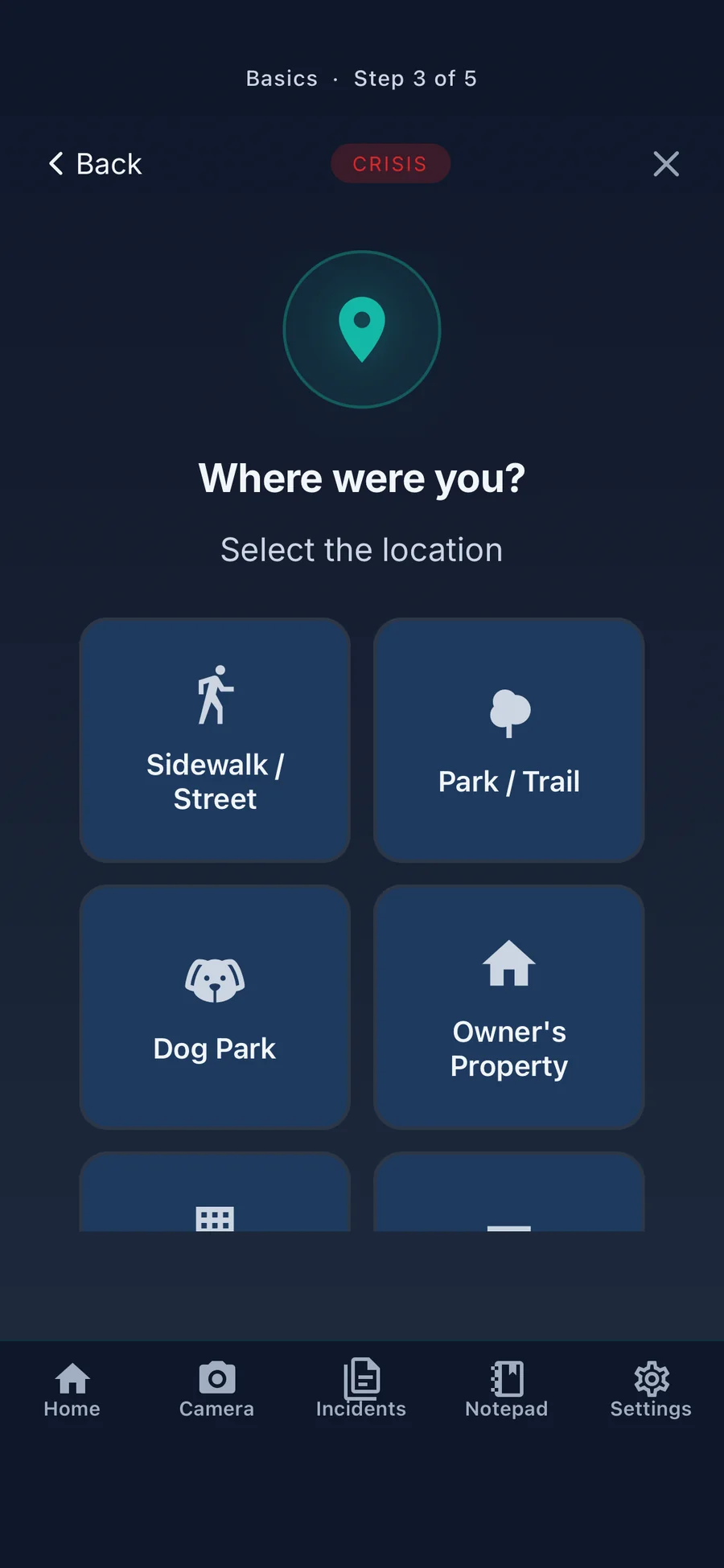
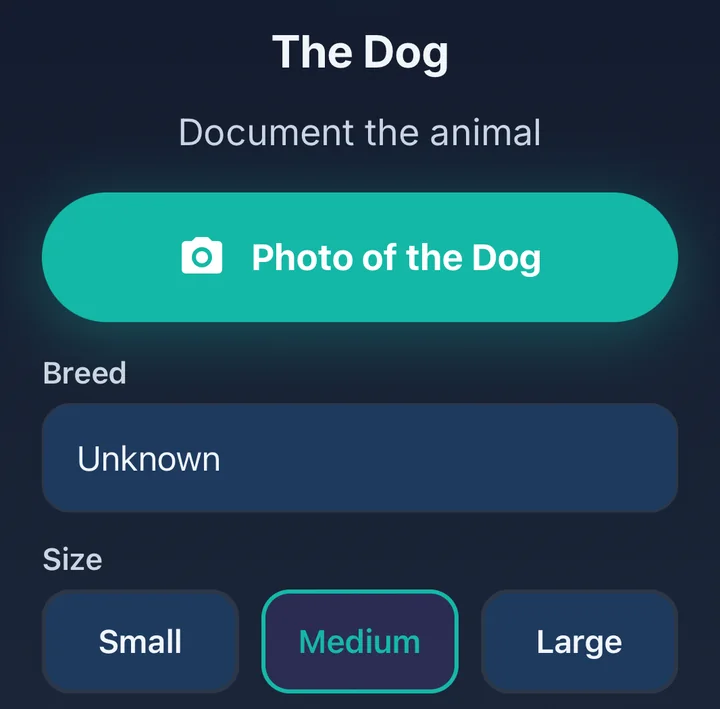
Sidewalk, park, dog park or someone's property. Then the dog, the owner and animal control.
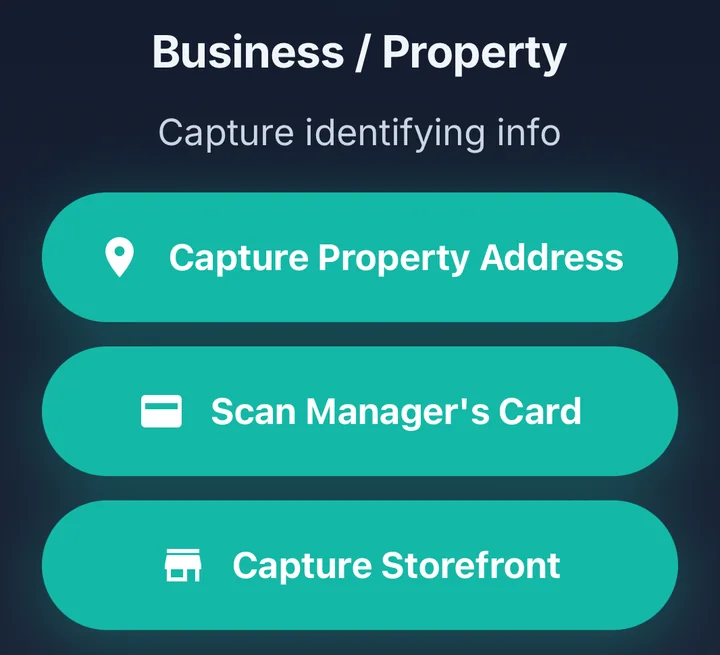
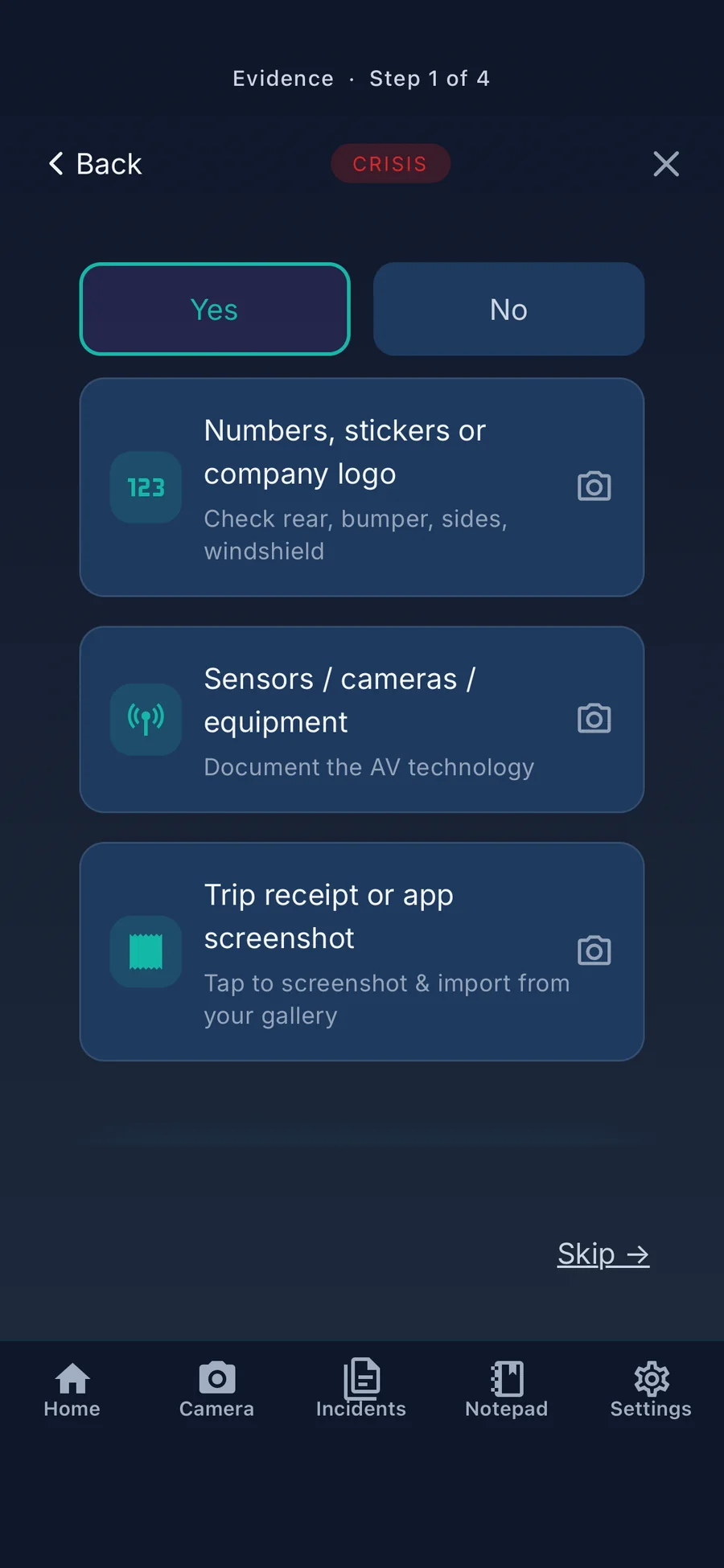
A checklist for what identifies the vehicle: numbers, stickers or logos, sensors, and your trip receipt.
Tools for the days that follow, in the same app.
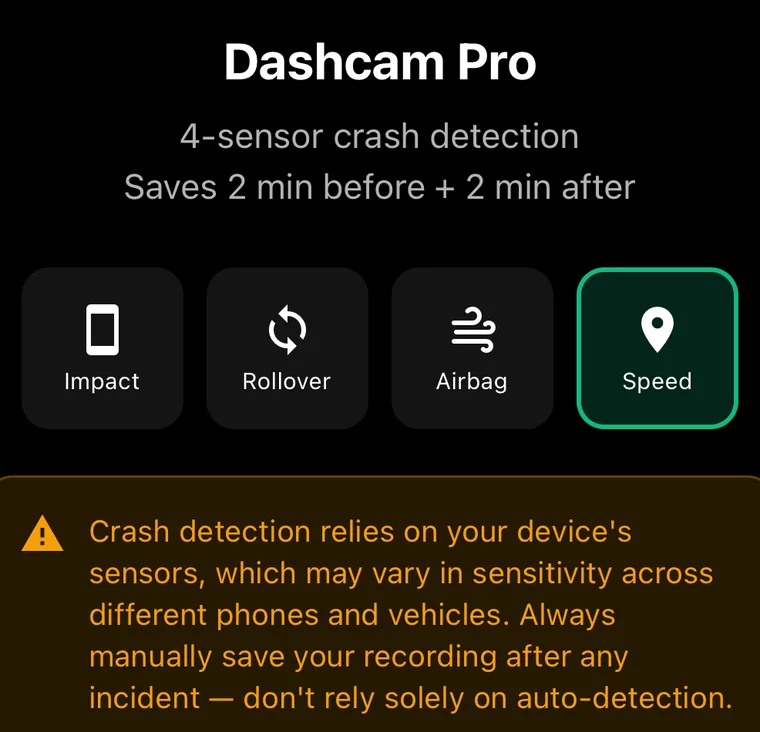
Saves the two minutes before and after a detected impact. Detection depends on your phone's sensors, so save manually after any incident too.
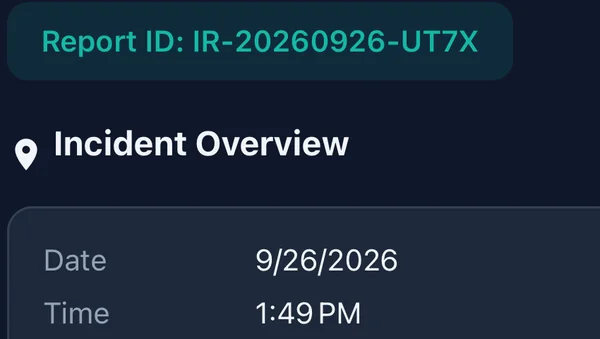
Date, time, place, photos and details, together in one incident report.
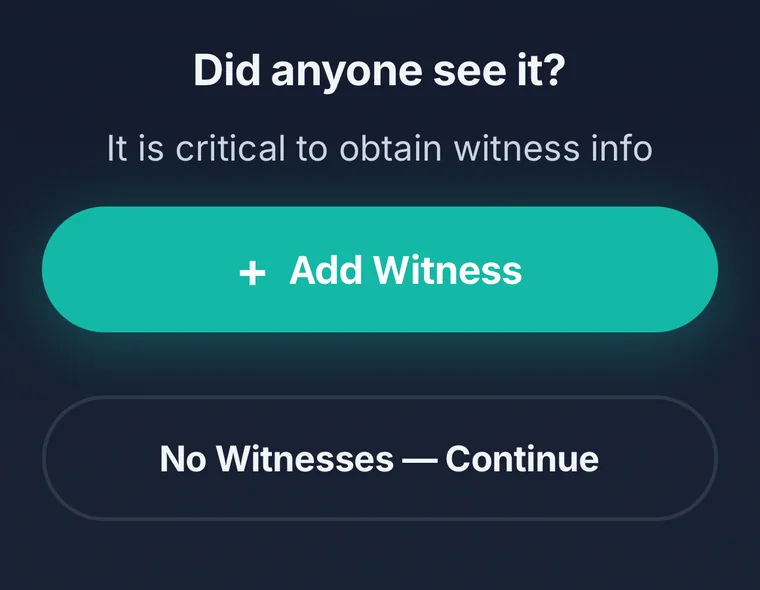
Names and contact details while people are still there.
Photos taken in the app's photo checklists get a SHA-256 hash when you take them, so a later change can be detected.


Yes. IncidentApp is free to download, and Crisis Mode, everything you capture at the scene, and your incident report are free to use. Appalanche does not sell your data.
No. You can document an incident without an account.
Yes. IncidentApp is free on the App Store for iPhone and on Google Play for Android.
The app tells you what to capture for your kind of incident, one step at a time, and keeps photos, documents, witnesses and details together in one report. Photos taken in the app's photo checklists also get a SHA-256 hash when you take them, so a later change can be detected.